Development / Field note
Making WordPress maintenance a routine
Maintenance works better as a repeatable practice than as a response to a worrying message.
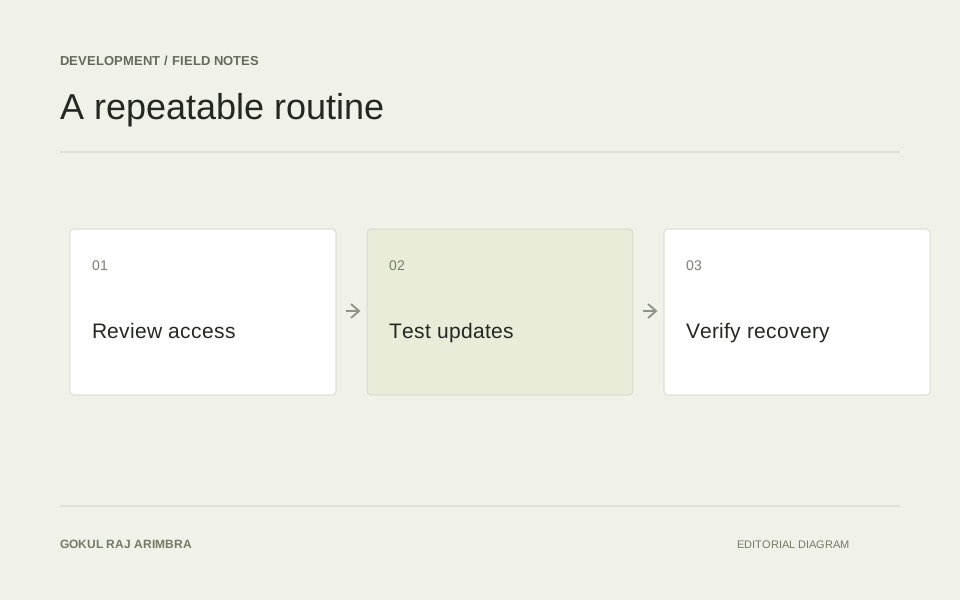
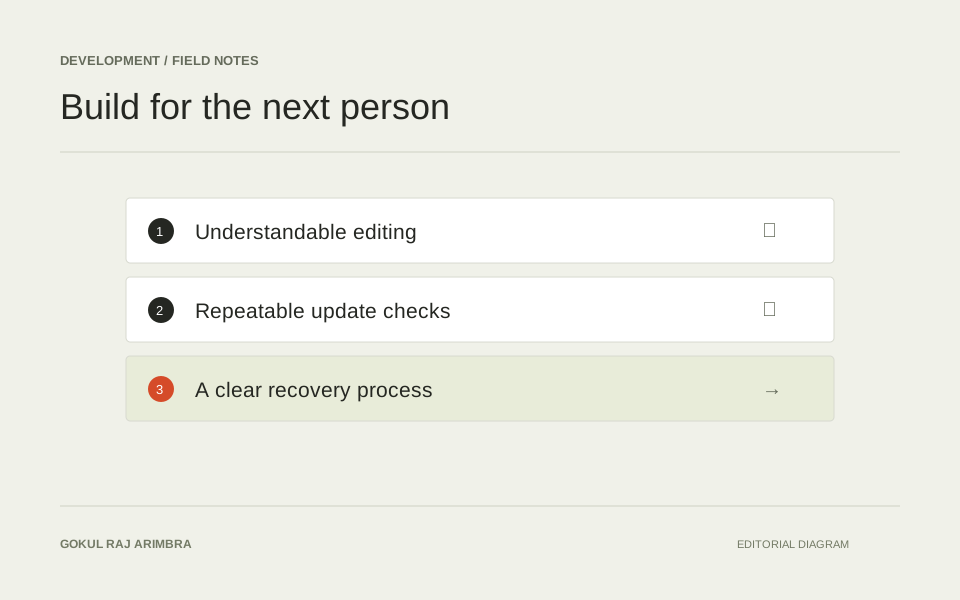
Maintenance works better as a repeatable practice than as a response to a worrying message. The goal is to make the site's components, access and recovery process understandable before something goes wrong.
Know what is installed
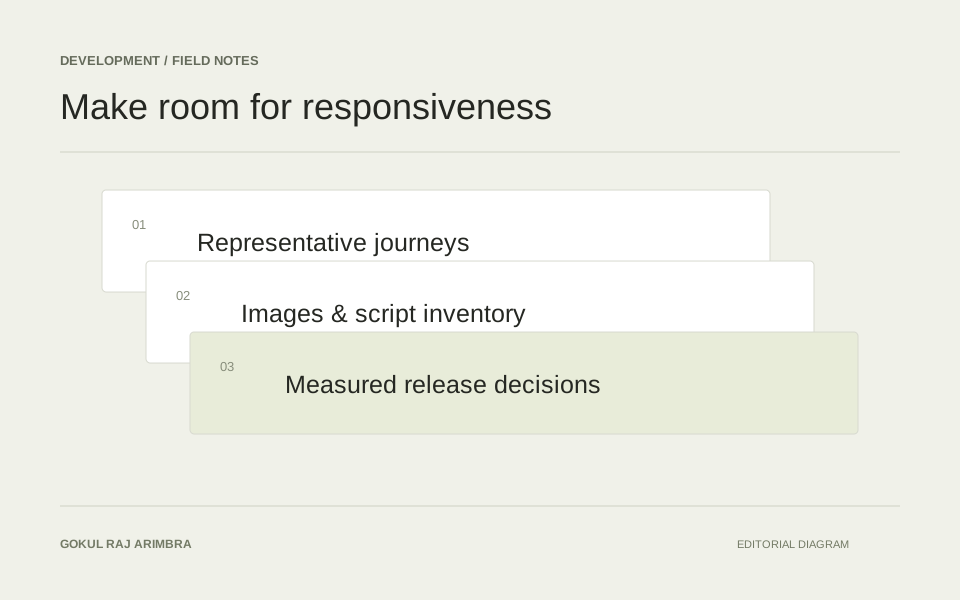
Keep an inventory of active themes, plugins and their purpose. An extension that nobody can explain is difficult to maintain responsibly. Review unused components and make changes through a controlled process with a recoverable copy of the site.
Keep access deliberate
Use individual accounts for people who need access, and choose permissions around their responsibilities. Review access when responsibilities change. WordPress's own hardening guidance is a useful reference for maintaining the installation and reducing unnecessary exposure.
Practise recovery
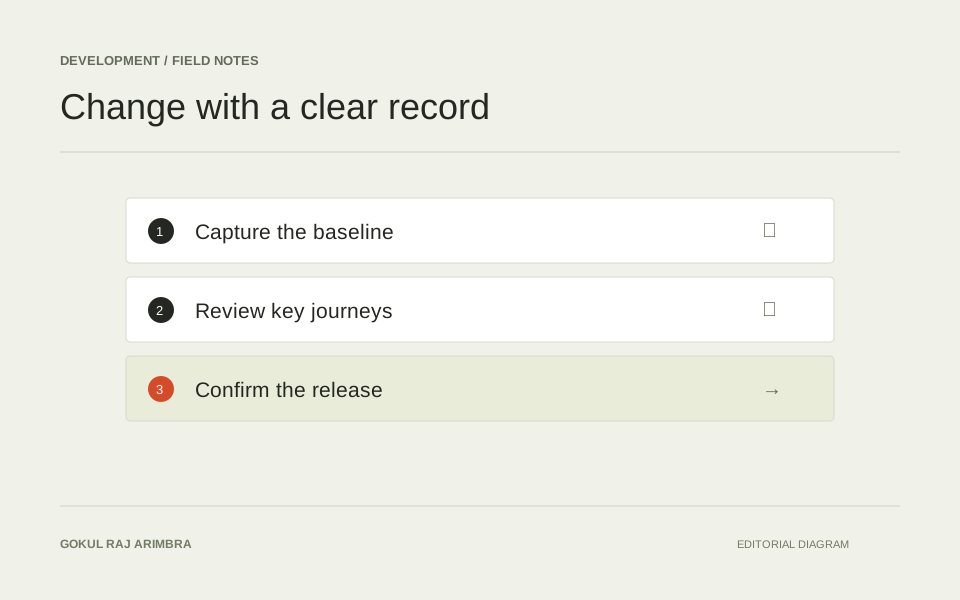
A backup is more useful when somebody knows how to restore it. Document the location of the backup, the person responsible and the steps for checking the restored site. Include content, media and any important integrations in that review. Maintenance should leave the next person with a clear record of what was checked, what changed and what still needs attention.
Further reading: Official documentation.