Development / Field note
Give a storefront a performance budget before adding more
Turn performance from a final score into a practical decision about images, scripts, interaction and everyday ownership.
Every storefront feature asks for part of a customer's attention and part of their device's resources. Another carousel, tracking script or recommendation widget may look small in isolation, but the combined page still has to load and respond. A performance budget makes those trade-offs visible before they accumulate.
The budget should guide decisions, not become a decorative number in a launch checklist. Connect it to the journeys people actually use and the team that will maintain them.
Begin with representative journeys
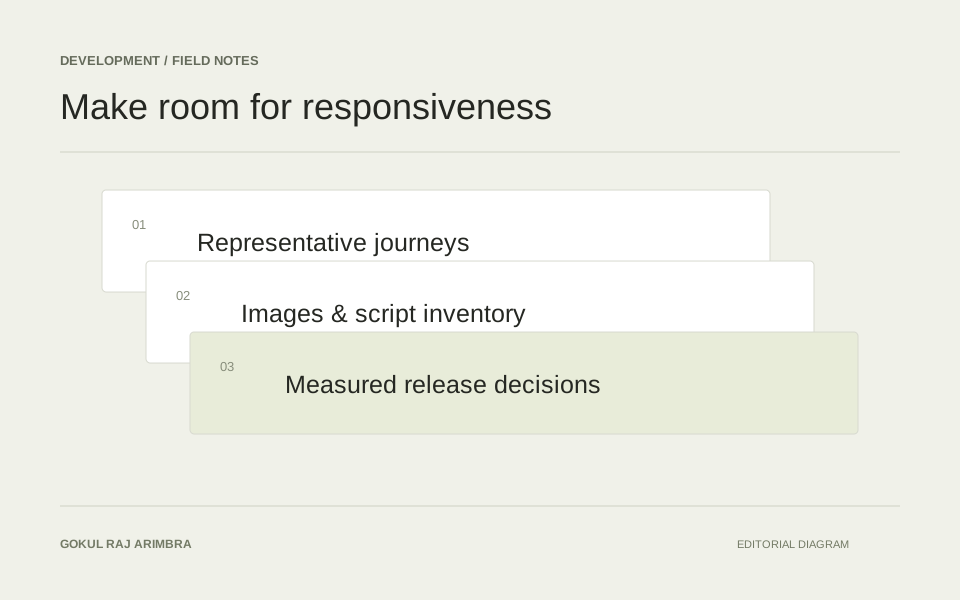
Choose a few routes that cover the important templates: a collection with many products, a detailed product page, a search result and the basket journey. Include both a typical page and an awkward one with long content or several options.
Record the device, connection and test conditions. A result is easier to interpret when another person can reproduce the same starting point. Keep the original observation alongside later measurements so that an apparent improvement is not simply a change in the test setup.
Use metrics to ask better questions
Core Web Vitals cover loading, interaction responsiveness and visual stability through LCP, INP and CLS. Google's guidance evaluates these experiences using field data, including the 75th percentile of visits. These metrics provide a useful structure, but they do not explain the cause of a problem by themselves. Google's Web Vitals overview
Connect a finding to the visible page. If a large image appears late, inspect how that image is requested and displayed. If a control responds slowly, examine the work that happens around the interaction. The investigation should lead to a specific decision, not simply a desire for a greener score.
Give each addition a reason to exist
Maintain a short inventory of third-party scripts and interface features. Record what each one does, who owns it and where it needs to run. A widget required on a product page may not need to load on every article and contact route.
For a proposed addition, compare its purpose with what the site already provides. Two tools solving the same problem can create both maintenance work and performance cost. Removing duplication is often easier to sustain than repeatedly tuning a crowded page.
Treat images as part of the layout
Prepare images for their actual display sizes and reserve space for them. Review large banners, product photography and editorial media separately because their jobs differ. A product image needs enough detail for comparison; a small thumbnail does not need the same file as a full-screen preview.
Avoid treating a crop as the only way to reduce a file. Dimensions, format and compression can be reviewed while preserving the complete subject. Check the result visually rather than assuming the smallest file is the right one.
Review the budget when the site changes
Make performance part of the release conversation. A new template, an app installation or a seasonal campaign can change the page more than a small code edit. Repeat the representative journeys after meaningful additions and keep the results understandable to the person making the next decision.
A useful budget creates a habit: understand the cost, judge the benefit and keep the experience responsive. That habit matters longer than a single launch-day report.