Development / Field note
Build a WordPress site that someone can keep looking after
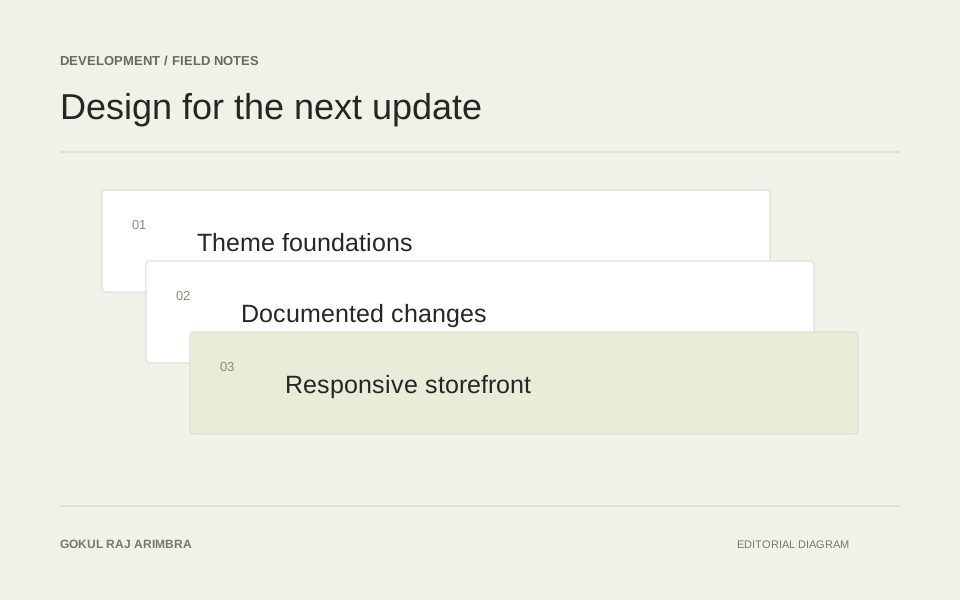
A practical handover starts with content patterns, clear ownership, tested updates and a way to recover.
A WordPress website is not finished when the launch pages look correct. Someone will change a photograph, publish an article, add a service and respond to an update notification. The design and build should make those ordinary tasks understandable to the person who will own them.
Maintenance is partly technical and partly a question of how much hidden knowledge the project leaves behind. A well-considered handover reduces the need to rediscover that knowledge every month.
Design content patterns that survive editing
Use real examples when building the page system: a long service name, a short biography, an article with several headings and an image with a different proportion. Decide which parts an editor can change freely and which choices belong to the site's shared design.
A reusable section should communicate its purpose. “Service introduction” is easier to understand than a collection of unexplained spacing controls. Keep the editing interface close to the content decision the owner actually needs to make.
Keep the dependency list understandable
Record the theme, important plugins and any custom functionality. For each, explain what it provides and who is responsible for maintaining it. Avoid leaving several overlapping plugins installed simply because different versions were tried during development.
The official WordPress hardening guide discusses updates and the need to obtain WordPress from its official source. Use the current documentation when defining the site's maintenance routine, rather than copying an old checklist without checking the environment. WordPress's hardening guide
Review changes through real journeys
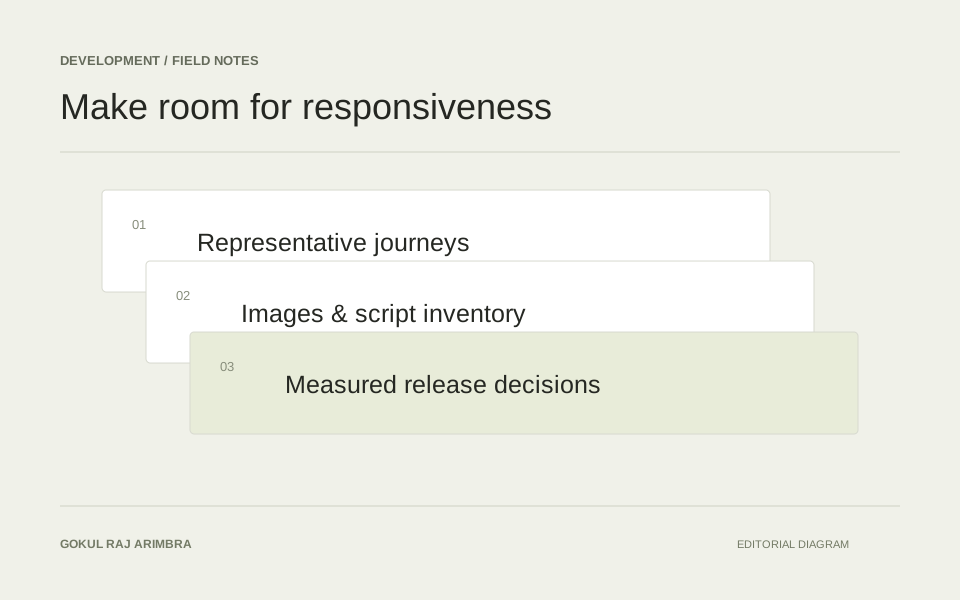
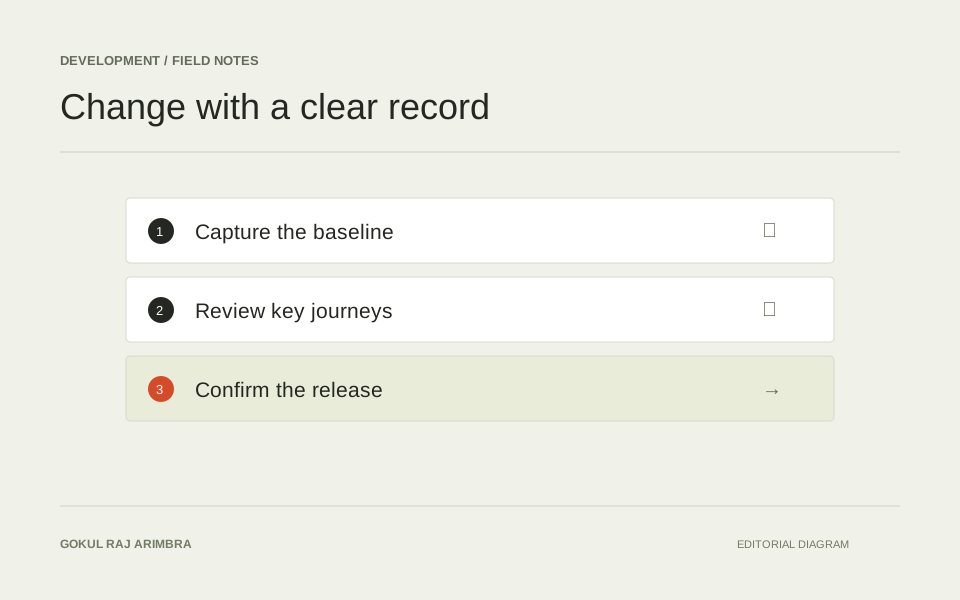
Before an update, know which routes and actions matter. A short review set might include the homepage, a service page, an article, the navigation and an enquiry form. A shop needs its own product and checkout checks as well.
The purpose is not to click every link after every small change. It is to maintain a repeatable set of representative checks that can reveal a meaningful regression. Keep the list specific enough that another person can perform it and recognise an unexpected result.
Make recovery part of the handover
Identify what needs to be backed up, where the backup lives and how a restore is requested or performed. A backup file is more useful when someone understands how it relates to the database, uploads and site configuration.
Practise recovery in an appropriate non-production environment when the project allows it. Record the steps and the point at which help is needed. The owner should not have to work out the recovery process for the first time during an outage.
Leave a useful operating note
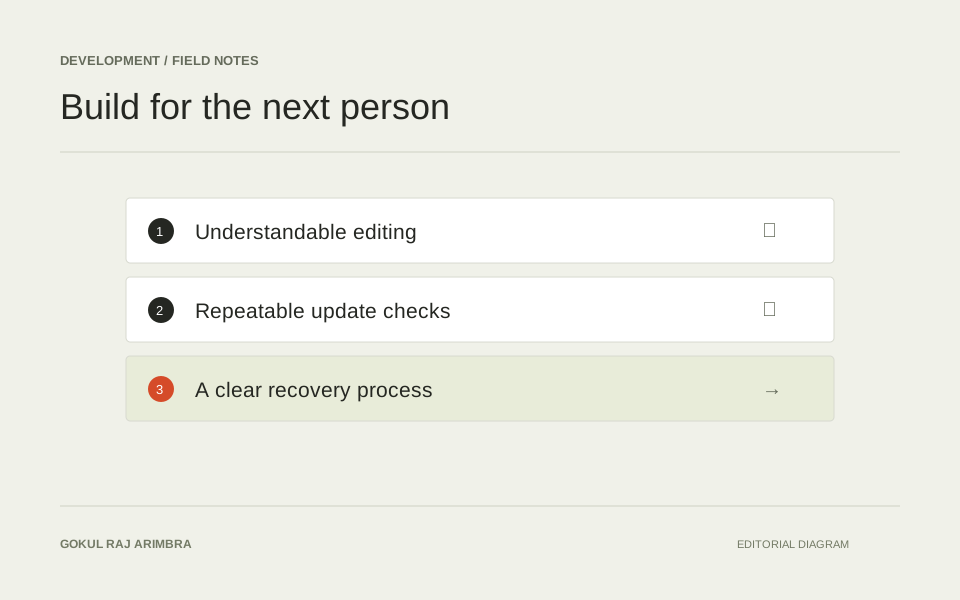
A concise handover can cover the common editing tasks, the update routine, account ownership and the contact for support. Include a few screenshots of the actual editing interface if they clarify the process, and keep credentials out of the document.
The best handover is not the longest one. It is the one that helps someone complete the next ordinary task safely and recognise when a change needs specialist attention. Designing for that moment is part of building a website that remains useful after launch.