Development / Field note
A theme redesign that leaves room for updates
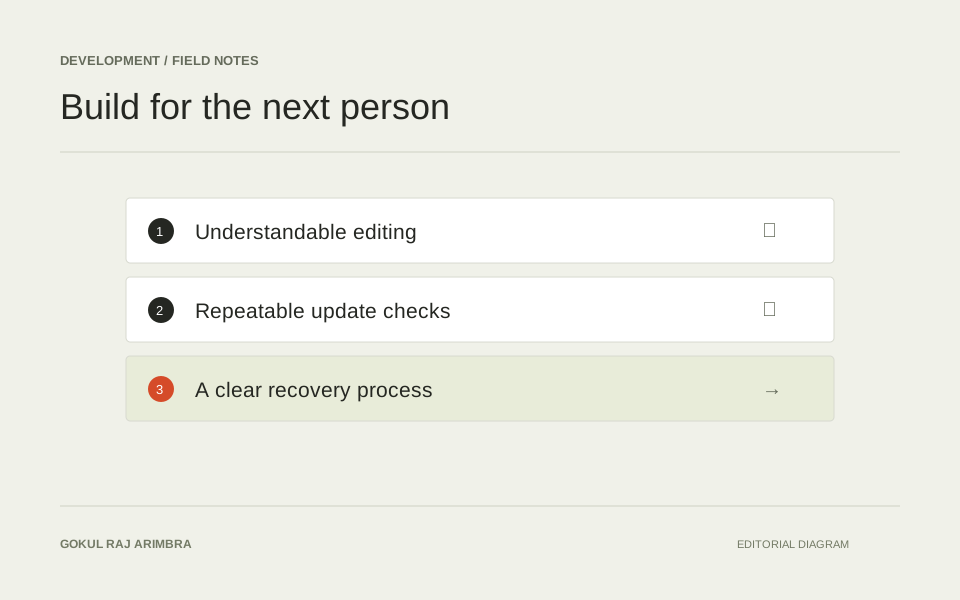
A visual redesign becomes difficult to maintain when every improvement depends on an undocumented change.
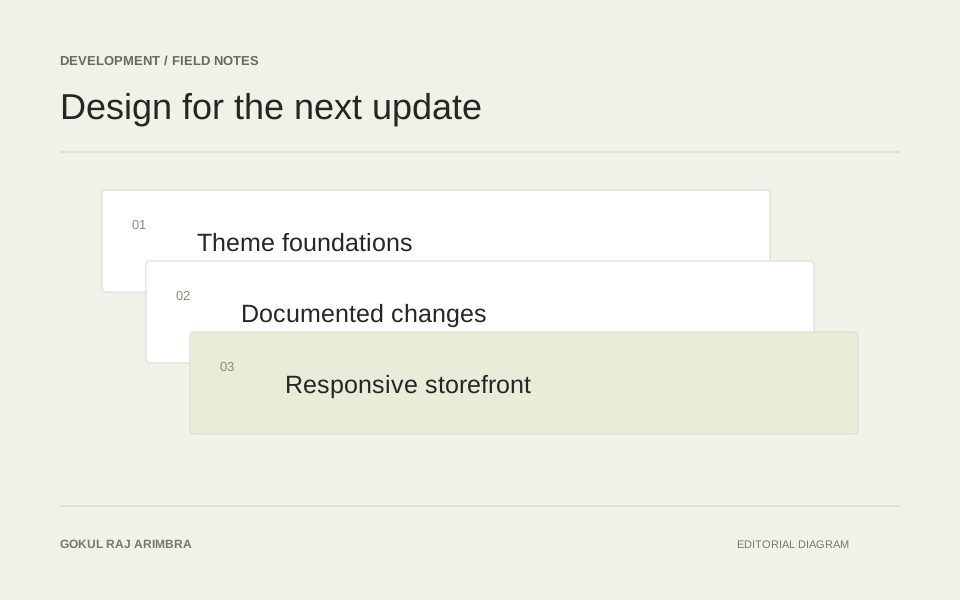
A visual redesign becomes difficult to maintain when every improvement depends on an undocumented change. The useful question is how to express a new design direction while keeping the underlying theme understandable.
Map the existing structure
Start by listing the shared components: navigation, product cards, forms, page headings and footer. Note which settings already control their appearance. Reusing a useful existing control is usually easier to explain than adding a second place to change the same detail.
Keep changes together
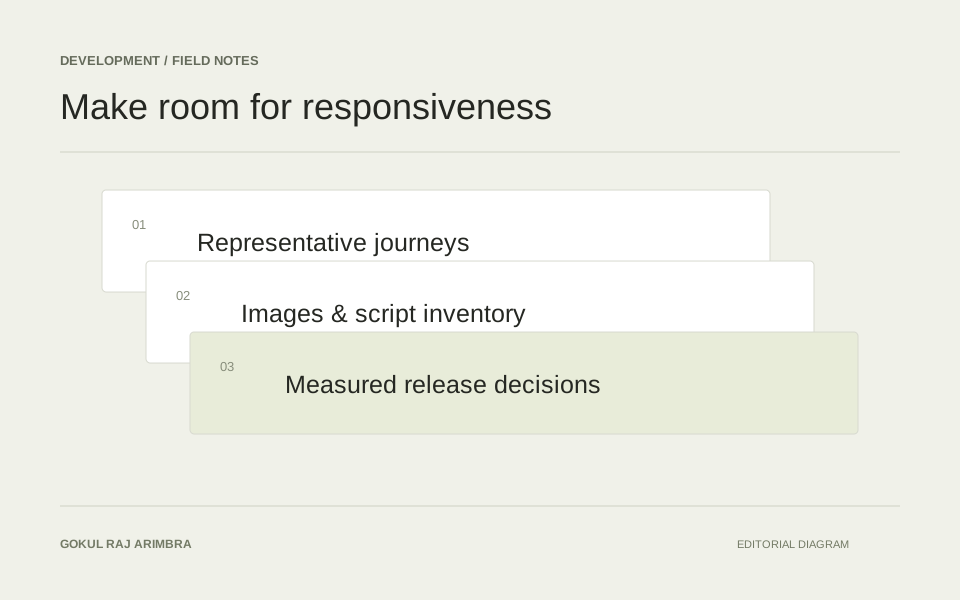
A dedicated layer of styles can make visual decisions easier to find. Define typography, spacing and colours centrally, and keep selectors focused on components. Avoid escalating selector specificity each time something looks wrong; investigate which rule is responsible and simplify the relationship.
Review with real content
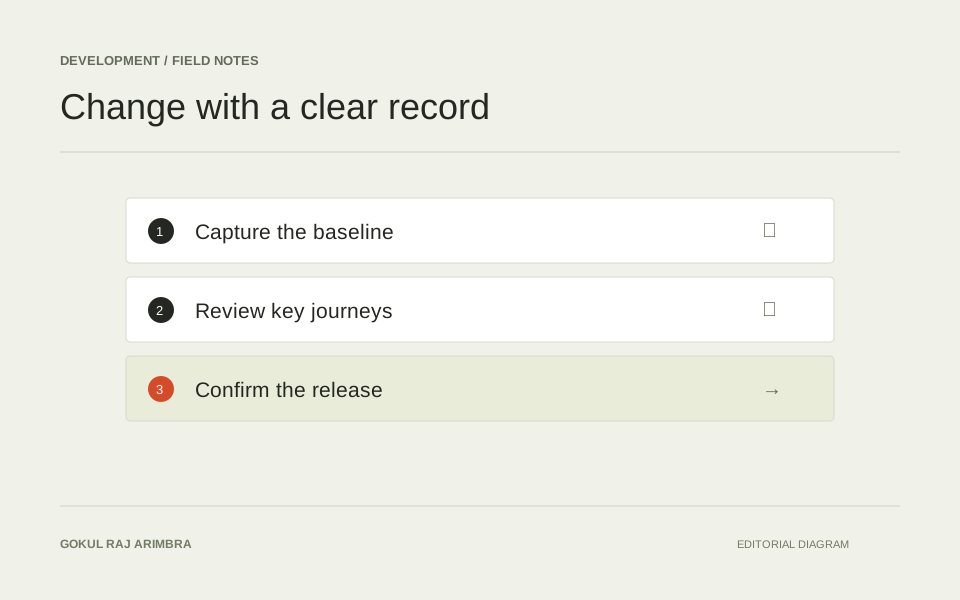
A tidy demonstration page is not enough. Review long product names, missing images, multiline buttons and different screen widths. Before adopting a theme update, compare the changed markup and revisit the components that depend on it. A short record of intentional customisations gives that review a useful starting point.