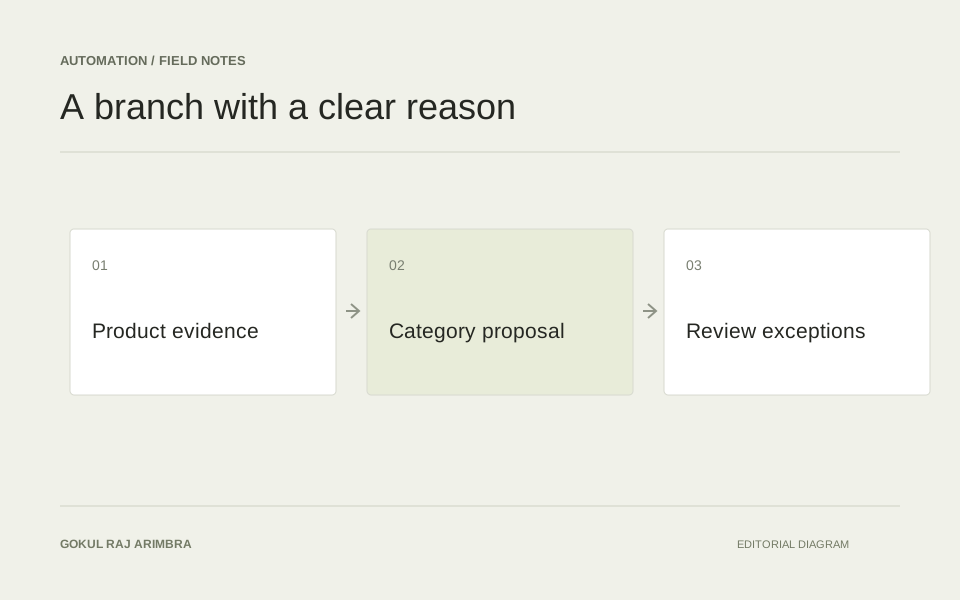
Automation / Field note
Build a support workflow that prepares the reply for review
Connect the customer question, approved information and a proposed response, with clear escalation when the evidence is incomplete.
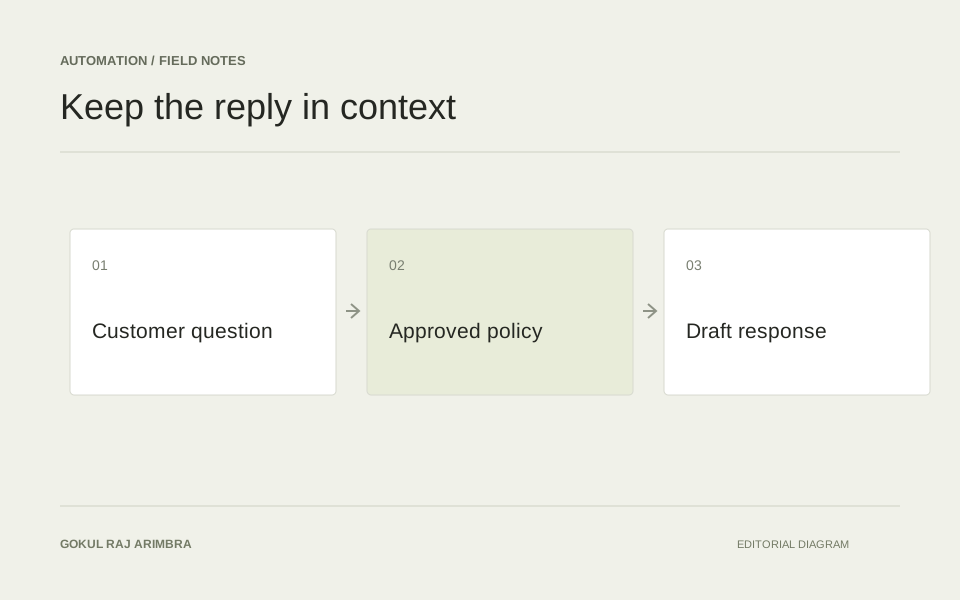
A support draft is useful when it helps the person answering a customer understand the question and prepare an accurate response. Speed alone is not enough. A fast reply that invents an order status or promises an exception creates more work for both sides.
A practical first workflow can prepare a proposed reply without sending it. The support colleague sees the customer's message, the information used and the draft together, then decides whether to edit, approve or escalate it.
Separate the question from the available evidence
Begin by identifying what the customer is asking: an order update, product information, a return question or something that needs investigation. Keep the original message visible. A summary can help with scanning, but it should not replace the customer's actual words.
Then collect the approved information relevant to that question. General policy and account-specific facts play different roles. A delivery-policy page explains the usual process; it does not establish where a particular parcel is today.
Anthropic's customer-support guide discusses connecting an assistant with a knowledge base and relevant information. For a draft workflow, that connection should be inspectable: the reviewer needs to know which source supports the proposed answer. Claude customer-support guidance.
Give missing information an explicit outcome
Suppose a customer asks whether a delayed order will arrive tomorrow. If the available record contains no current carrier update, the draft should not turn a standard delivery estimate into a specific promise.
The useful output might explain what is known, identify the missing update and propose the next internal check. Depending on the situation, the reviewer can request that information or write a brief acknowledgement while investigating.
Define a small set of outcomes such as ready for review, needs account information and requires escalation. These labels should determine the next action in the interface, rather than simply decorating the generated text.
Design the review around the decision
Place the draft beside a compact evidence panel containing the relevant policy passage or record. Highlight any statement that depends on unresolved information. If several questions appear in one message, show which have been answered and which still need attention.
The reviewer should be able to edit the reply without losing the source context. Rejection should also be useful: a short reason such as wrong policy, missing fact or unsuitable tone helps explain what the workflow needs to improve.
Keep sensitive information limited to what the task and the reviewer actually need. A reply about product compatibility should not require unrelated account details to be included in its working context.
Test the awkward conversations
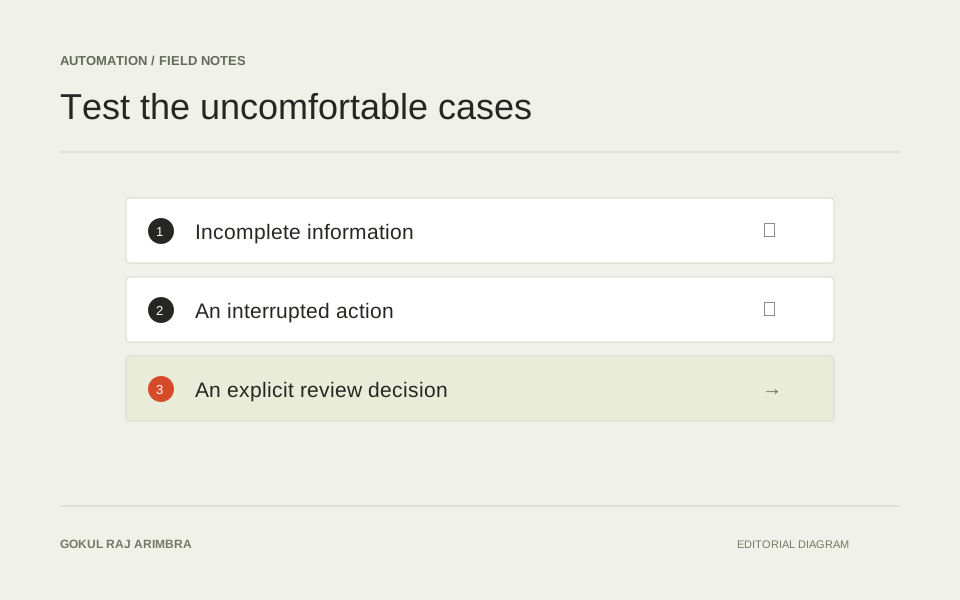
Use sample cases with incomplete records, contradictory messages, several questions and requests outside the usual policy. Check that the draft remains accurate and that uncertain cases reach the appropriate person.
Measure how often reviewers accept a draft, how much editing it needs and what kinds of mistakes recur. Read some completed examples as a customer would. The aim is a reply that addresses the actual question with the right evidence and a sensible next step, while keeping the support colleague in control of the conversation.