Automation / Field note
Designing a product branch workflow that can explain its choices
A practical way to turn a messy catalogue into reviewable category proposals, without treating a suggestion as a confirmed product fact.
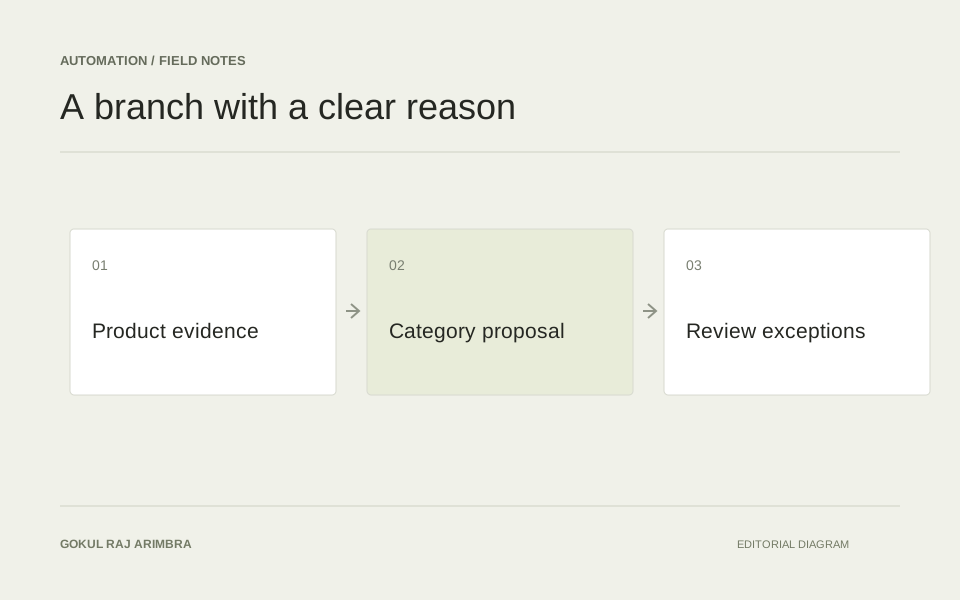
A product branch tool can help a team organise a catalogue, but the useful output is more than a category name. It should explain which product it considered, which branch it proposes and what information supports that choice. Otherwise, a large batch of suggestions simply creates a different kind of sorting job.
This is a workflow design example. The aim is to make classification easier to review while keeping ownership of the catalogue with the people who understand it.
Define the tree before asking for a branch
Start with an agreed category tree and a short explanation of each boundary. “Accessories” is not enough if the same tree also contains phone accessories, computer accessories and replacement parts. Include a few examples of what belongs inside each branch and what should go elsewhere.
Keep internal navigation separate from channel-specific classifications. Google distinguishes a merchant's own product type from its predefined product category system. That distinction is useful when planning the output of a classification tool: one proposed branch may not be appropriate for every destination. Google's product type documentation
Give the workflow a useful input record
A title alone can hide important differences. A listing called “Wireless controller” might describe a game controller, a presentation remote or a replacement control unit. Build the input from verified attributes, the existing description and any relevant source reference.
Preserve unknown values instead of filling them with plausible guesses. If the record does not identify the compatible device, the proposal should say that compatibility needs checking. A visible gap is more useful than a confident category built on an invented detail.
Return a proposal with a reason
For a hypothetical rechargeable game controller, the review record could contain the current branch, the suggested branch, the attributes that influenced the suggestion and any unresolved ambiguity. The explanation might point to the controller type and supported console family, rather than repeat a generic description of the category.
Keep this explanation short enough to compare across a queue. Reviewers need the evidence behind the decision, not a long narrative about how the tool considered it. A source link beside an uncertain attribute is often more useful than another paragraph.
Design the exceptions as part of the workflow
Some products legitimately span categories. Others arrive with contradictory descriptions or no matching branch. Give these cases a review state with a specific reason, rather than forcing every record into the nearest available answer.
Useful exceptions include:
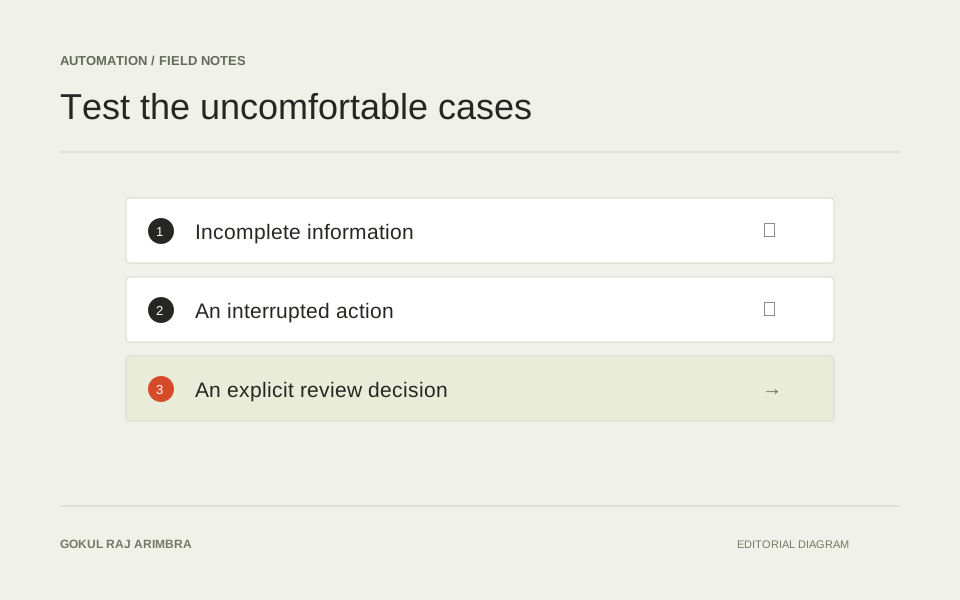
- Two plausible branches with different customer expectations.
- A product family that the current tree does not represent.
- A missing attribute needed to distinguish similar categories.
- A source record that changed after the proposal was prepared.
Review the tree as well as the tool
Repeated uncertainty can reveal a problem in the category system itself. If several reviewers disagree about the same boundary, inspect the labels and definitions before rewriting the instructions again.
Test a varied sample, record the decisions and keep the approved examples beside the tree. That creates a reference for future changes. The result should be a catalogue that is easier to understand, with a classification workflow that makes its own limits visible.