Automation / Field note
Show the action before the agent takes it
Design an action preview that makes the target, proposed change, evidence and next step easy to inspect.
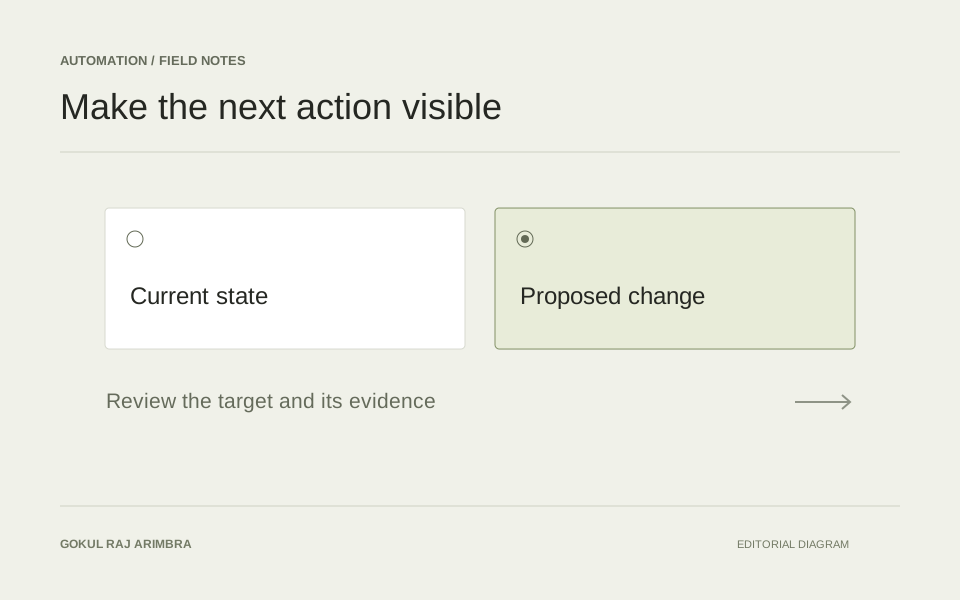
A useful agent interface has a moment where the next action becomes concrete. The person reviewing it should be able to identify the affected item, inspect the proposed change and decide whether it is appropriate. A button labelled “Approve” does not create that understanding on its own.
The action preview is the bridge between the tool's working process and the user's responsibility. Design it as a small, complete decision rather than a compressed activity log.
Name the target and the consequence
Put the target close to the action. For a draft product description, show the product name and identifier, the destination field and whether approving will save a draft or publish a visible change. Those are different outcomes and deserve different labels.
Use a verb that describes the actual result. “Save this draft” gives a reviewer more information than “Continue”. If the action affects several records, show the number and a way to inspect the selection before the decision is made.
Compare the current and proposed states
Keep the old and new versions together. Highlight meaningful differences without turning every punctuation change into a visual alarm. Long text may need a readable comparison view as well as a compact summary.
For example, a proposed description might remove an unsupported compatibility claim and clarify a verified capacity. The preview should make both changes visible. Hiding the removed sentence behind a generic “improved wording” summary would prevent the reviewer from judging the important part.
Keep evidence separate from explanation
Show the source information used to prepare the proposal. A short explanation can describe why a change was suggested, but it should not replace the product record, approved policy or source document that supports it.
Make unresolved assumptions visible. “The source does not confirm whether a charger is included” is useful context for a content reviewer. Quietly omitting that uncertainty encourages someone to approve a draft without understanding what it leaves unanswered.
Match the controls to the decision
Provide clear paths to edit, decline or ask for more information. Each should preserve the context already gathered. A reviewer who spots one incorrect sentence should not have to discard the whole proposal and start again.
OWASP identifies unnecessary capabilities, permissions and autonomy as causes of excessive agency. A practical design response is to keep the preview and the action itself narrowly scoped: reviewing a description should not require a tool that can make unrelated account changes. OWASP's excessive agency guidance
Explain what happened after approval
Approval and completion are separate events. The save might fail, the source record might have changed or another person might already have applied an edit. Preserve the reviewed version and explain the resulting state.
After success, link to the saved item. After a failure, say what can be retried and whether a new review is necessary. Closing this loop makes the workflow understandable from proposal to outcome, rather than leaving the user to guess whether the button did what they intended.