AI & Tools / Field note
Make DeepSeek output usable in a structured workflow
Move from a plausible response to a checked data object, with explicit fields, validation, evidence and clear recovery states.
An automated workflow needs to know what to do with a response. A paragraph explaining that a product title may be inconsistent is useful to a person, but an application needs a reliable way to identify the record, classify the issue and show the supporting evidence.
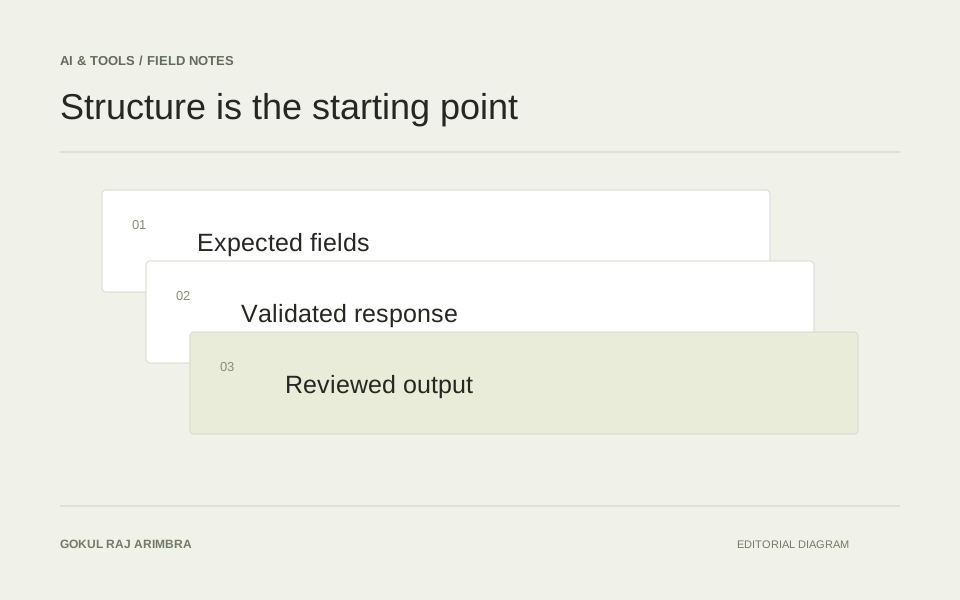
Structured output gives that information a predictable shape. It does not, by itself, make the information correct. A dependable DeepSeek workflow needs both a clear output contract and checks around the returned content.
Specify the smallest useful object
Imagine a catalogue review that identifies missing compatibility information. Its result might contain a record identifier, a status, a list of issues and a source reference for each issue. Decide which fields are required and which values the application accepts before writing the prompt.
Keep the first version small. A long object with optional explanations, estimated impact and several confidence scores creates more room for inconsistent interpretation. Start with the information a reviewer needs to make one decision.
Useful statuses could be “clear”, “needs review” and “insufficient information”. Define their meaning with examples. A missing source should lead to an unresolved state rather than a guessed replacement value.
Configure JSON output deliberately
DeepSeek documents a JSON output mode using response_format with the type json_object. Its guidance also calls for the word “json” in the prompt, an example of the desired format and enough output capacity to avoid truncation. The documentation notes that empty content can occasionally occur. DeepSeek JSON output documentation.
Treat those requirements as part of the integration contract. Keep the prompt and the expected response format together in version control so a later edit does not update one while leaving the other behind.
Avoid tying the application to a particular model name in an explanatory document. Check the current provider documentation when implementing the request, then test the chosen configuration with the actual records and output shape you intend to use.
Validate more than the syntax
Parse the returned content, check it against the application's schema and then apply business rules. Valid JSON can still contain the wrong record identifier, an unrecognised status or an issue that refers to a field absent from the input.
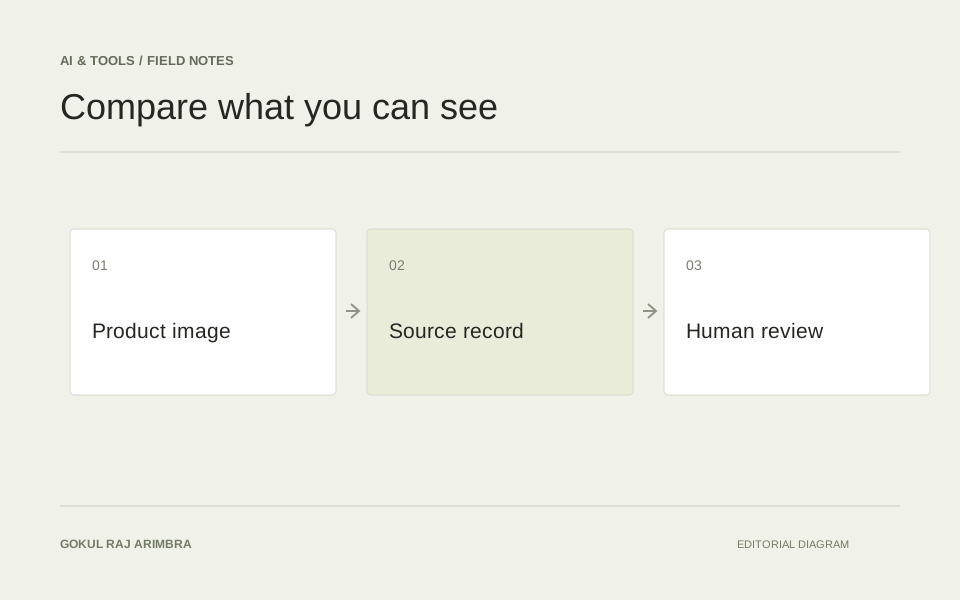
For example, if the input record contains no manufacturer compatibility statement, reject an output that claims to have found one. If a proposal identifies a different product, keep it out of the review queue until the mismatch is resolved.
Make each failure understandable. Empty output, malformed JSON and an unsupported recommendation are different problems. They may need different recovery steps, and the operator should be able to see which one occurred.
Keep retries separate from actions
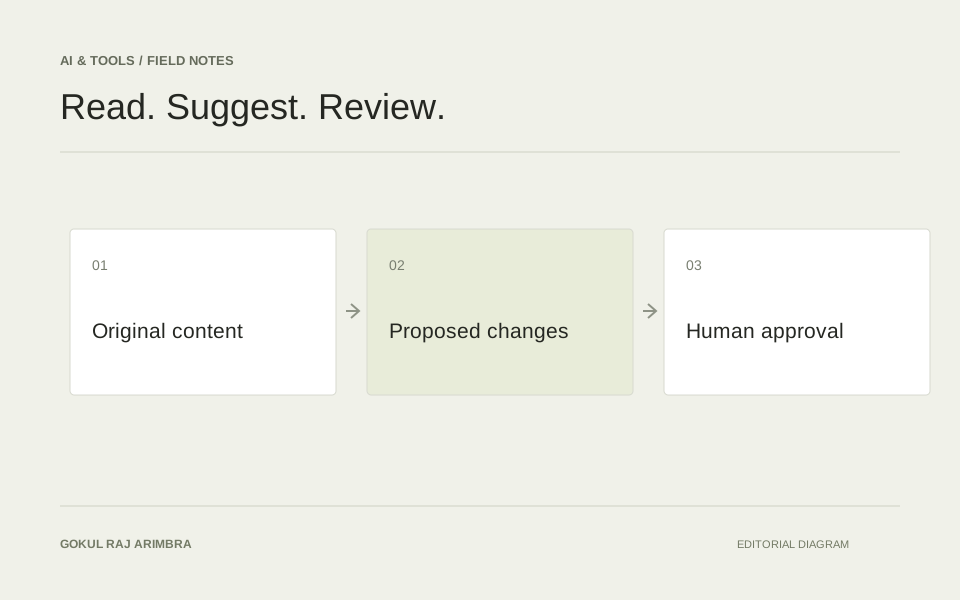
An initial version can produce review proposals without changing the source system. That makes it easier to inspect mistakes, adjust the instructions and measure whether the workflow is useful.
If a request is retried, use the original task identifier so the application can recognise a repeated result. A retry should not quietly create another independent approval item or repeat a downstream action.
Test complete records, missing fields, contradictory descriptions and empty responses before expanding the workflow. The aim is a checked object that the interface can explain, with a clear route back to the original evidence and the person responsible for the decision.