AI & Tools / Field note
Compare product images and catalogue records with Gemini
Design a review that uses images alongside product data, without mistaking a visual observation for a verified product specification.
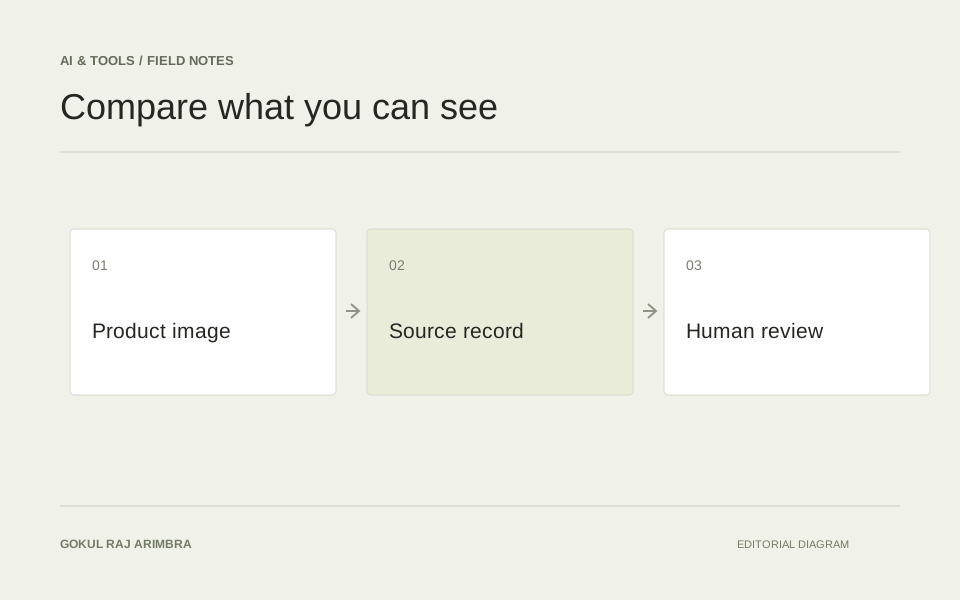
A product record can look complete while its images tell a different story. The title may describe a black device while the main image shows a silver one. An accessory visible in a photograph may be missing from the list of included items. These are useful discrepancies to investigate before a listing reaches customers.
A multimodal review combines the text record with the relevant images. Gemini's image-understanding documentation supports image inputs and multiple images within a prompt. That capability creates an opportunity to compare the presentation with the supplied catalogue data. Gemini image understanding.
Define what the image can establish
Start with a short list of observable checks. Colour, visible packaging text, the presence of an accessory and obvious inconsistencies between photographs can be reasonable review targets. Storage capacity hidden inside a device, battery health and the authenticity of a product need other evidence.
Consider a fictional listing with a title stating “wireless keyboard, white” and a dark keyboard in the primary image. The workflow should flag a possible mismatch and show both pieces of evidence. It should not decide which record is wrong or silently replace the colour field.
Keep every image attached to its record
Provide the product identifier, the relevant fields and a labelled set of images. Distinguish the primary image, alternative views and packaging. Avoid dropping a folder of unrelated assets into a single review without a clear mapping between files and products.
Image quality is part of the input. A blurred label or an obstructed accessory can make a confident conclusion inappropriate. Ask the model to identify when an observation is unclear and record which image caused the uncertainty.
For a first version, review one product at a time. That makes it easier to inspect mistakes and understand whether the problem came from the photograph, the written record or the instructions. Batch processing can follow once that smaller workflow is dependable.
Return evidence, not automatic corrections
A useful result contains the field being reviewed, the recorded value, the visual observation, the image reference and a suggested next action. Keep “no issue found” distinct from “not enough evidence”. Neither means that every product fact has been verified.
For the keyboard example, the proposal could say: recorded colour is white; the primary photograph appears dark; confirm the correct asset or colour with the catalogue owner. That gives the reviewer a concrete task and avoids pretending that visual interpretation has settled the matter.
Use the review interface to place the complete image next to the relevant fields. Let a reviewer open a larger version without cropping away the context needed to judge the discrepancy.
Test ambiguous cases on purpose
Include difficult examples in a small evaluation set: lighting that changes a colour's appearance, packaging for several variants, a lifestyle image with unrelated props, and a product with no readable label. Check whether the workflow can leave those cases unresolved appropriately.
Track missed mismatches and unnecessary flags separately. A review that flags everything creates work without creating clarity. The aim is a manageable set of evidence-backed questions that helps the catalogue team decide what to fix, what to confirm and what can remain as it is.