Automation / Field note
Human review is an interaction to design
A review step is more than a button labelled Approve.
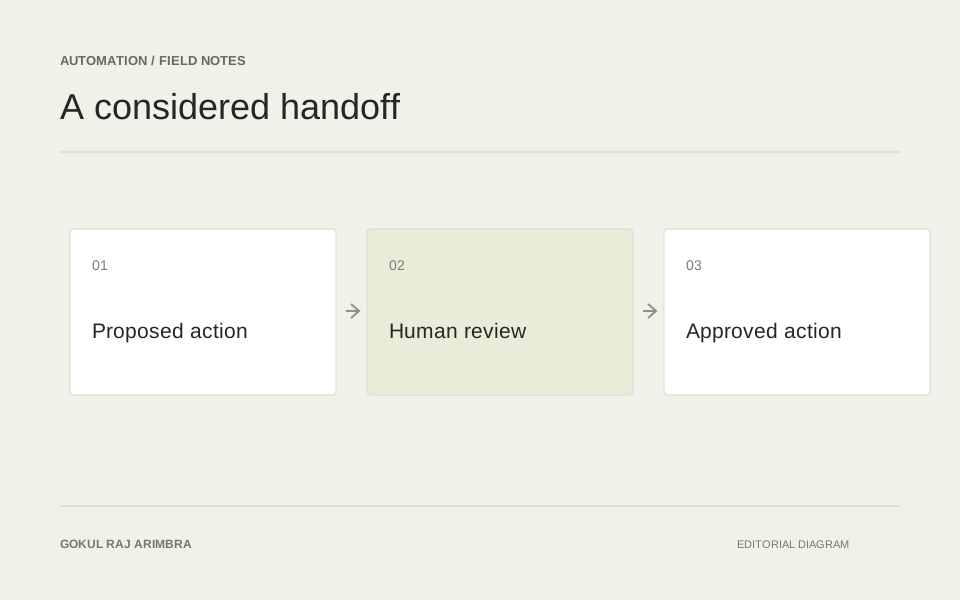
A review step is more than a button labelled Approve. It needs to give a person enough context to make a decision and enough control to change course.
This matters most when an automated tool prepares something that will become visible outside the workflow: a product description, a customer reply or a change to a website. The review screen is where a suggestion becomes a deliberate action.
Show the proposed action
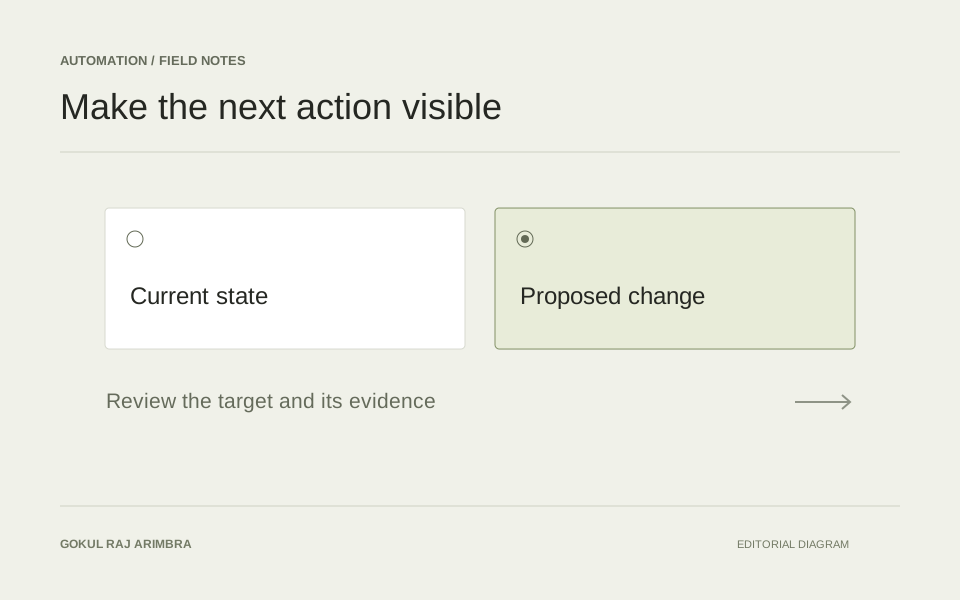
Describe what will happen in language appropriate to the reviewer. Keep the affected item, the proposed change and its reason together. If the action depends on an assumption, make that assumption visible before approval.
For a proposed content edit, show the existing text and the suggested replacement together. Highlight meaningful differences, preserve the source record and explain where the text will appear. A reviewer should not have to open three other screens just to understand the scope of the decision.
A label such as “Publish this description” communicates more than “Continue”. The language should name the actual consequence.
Keep the alternatives clear
A reviewer may need to reject, revise or defer the action. Those outcomes should be understandable and should preserve useful context. Avoid making the approval control prominent while hiding the way to correct a mistake.
These alternatives deserve their own states. “Needs changes” can preserve the draft and a reason for revision. “Declined” can close the proposal without applying it. “Review later” can keep it in a queue. Sending all three back to an empty form loses the decision that was just made.
When a reviewer edits a proposal, show the final version again before it is applied. The approved content should be the content the reviewer actually saw.
Record what was decided
Keep a concise record of the proposal and the human decision. If the proposal changes after review, the earlier approval should not silently stand for a different action. A considered review experience makes responsibility visible and gives the person a practical way to intervene.
The record can be simple: what was proposed, which version was reviewed, what was decided and whether the action completed. The interface should distinguish approval from successful execution. A person can approve a change that later fails to save; those are two different events with two different next steps.
Close the loop
After an action completes, link to the result. If it fails, keep the reviewed proposal available and explain what can be retried. If the source has changed in the meantime, make that conflict visible before applying an older proposal.
Good review design makes the ordinary path efficient and the uncertain path understandable. It gives a person enough information to exercise judgement without making them reconstruct the entire workflow.