Automation / Field note
Make an automated workflow understandable
When a workflow runs without constant supervision, its status becomes part of the interface.
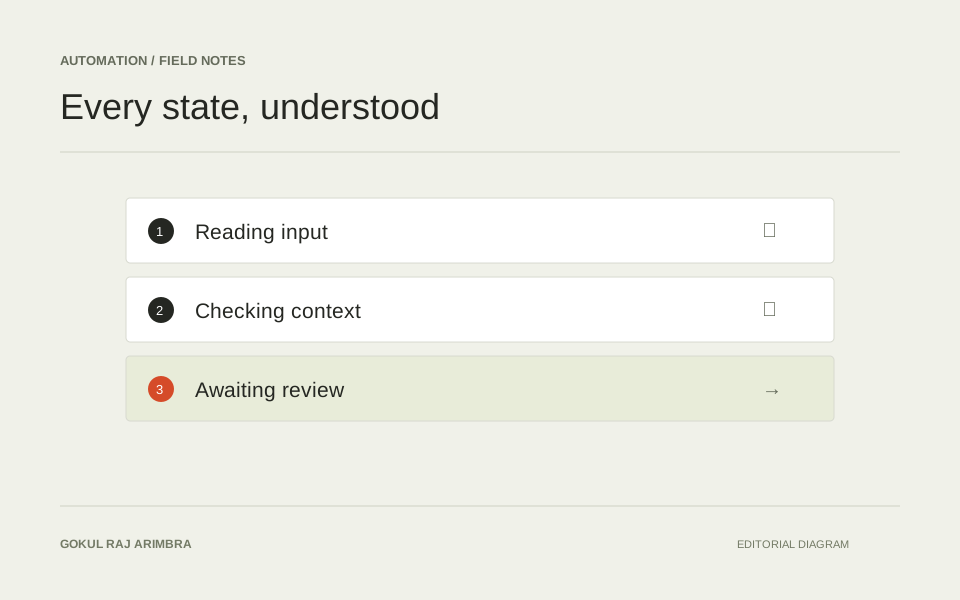
When a workflow runs without constant supervision, its status becomes part of the interface. A vague spinner is not enough to explain a process that may pause, retry or need human input.
The question behind a status screen is usually practical: is the task progressing, does it need me, and what will happen next? Designing around those questions keeps the interface useful even when the underlying workflow has several tools and services.
Name meaningful stages
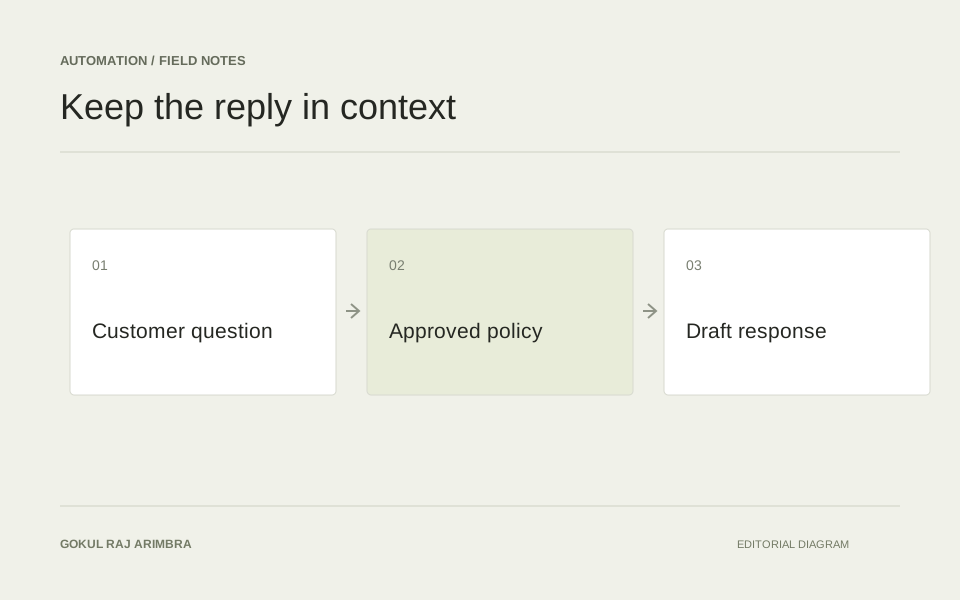
Use stages that relate to the task: receiving information, preparing a result, waiting for review and completing an action. A technical event stream may help a developer, but the primary status should answer the user's immediate question.
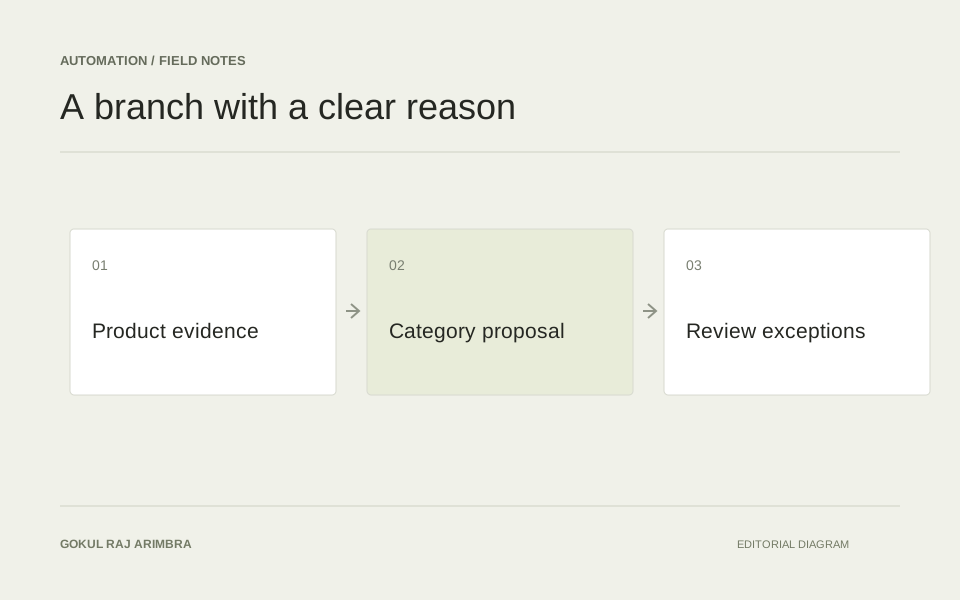
For example, a content workflow could show “Reading the product record”, “Preparing a draft” and “Ready for review”. These labels explain the work. “Tool 3 completed” describes an implementation detail that may change without changing the task itself.
Avoid a percentage indicator unless the stages support a meaningful estimate. A workflow that sits at 95% while waiting for a person can communicate less clearly than a simple “Waiting for your review” state.
Separate waiting from failure
Explain whether a workflow is still progressing, waiting on another system or stopped. If a retry is available, make its effect clear. Repeating an action should not create uncertainty about whether the earlier attempt already completed.
Different pauses need different controls:
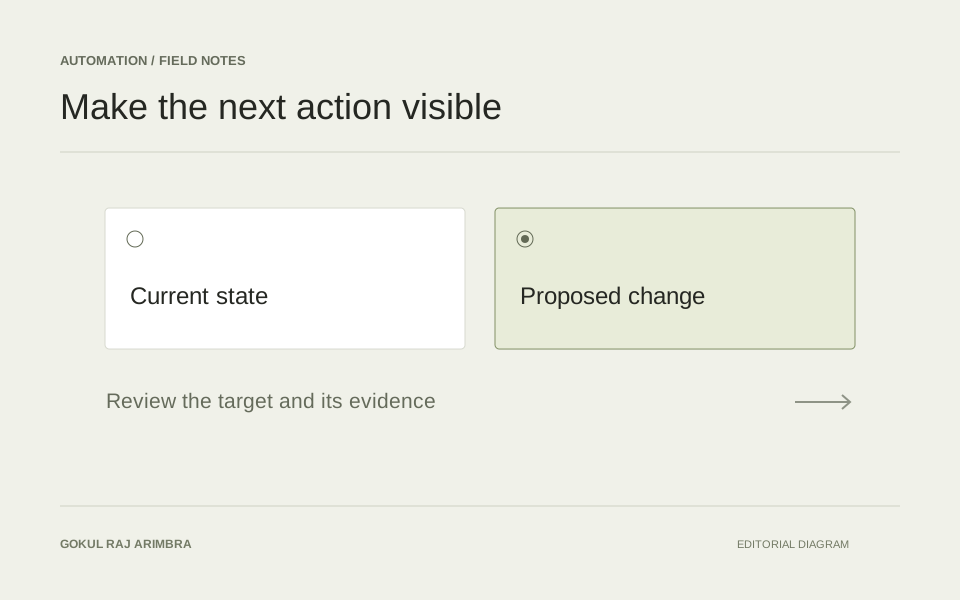
- Waiting for review should open the proposal.
- Missing input should identify the information needed.
- A temporary connection failure should explain whether another attempt is already scheduled.
- A completed action should link to the result.
The status and its next action belong together. Requiring someone to search a separate activity log for a recovery instruction turns a manageable interruption into a support request.
Show useful history
A compact timeline can explain what happened without exposing every internal detail. Include the context a reviewer needs and keep sensitive inputs out of public demonstrations. Visibility is most valuable when it helps someone decide what to do next, including when the right action is simply to wait.
Design for returning later
People leave a workflow and come back. A useful overview should identify the task, the latest meaningful event and anything still waiting for a decision. It should be possible to understand the current position without reading every previous step.
Keep completed outputs separate from pending proposals. A draft prepared yesterday is not necessarily a change that was published yesterday. Clear status language protects that distinction and helps the person responsible make a sound next decision.