Search / Field note
Filters should make a catalogue easier to understand
A filter is a promise about how the catalogue is organised.
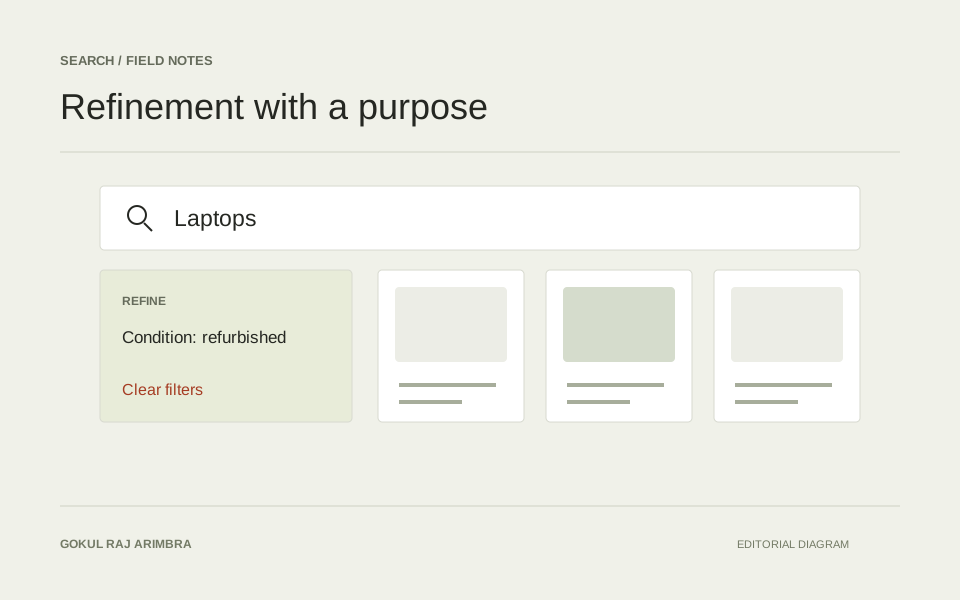
A filter is a promise about how the catalogue is organised. When the available choices do not match a visitor's question, adding more controls can make discovery harder.
Use the language of the products
Choose filter labels that describe meaningful differences. A technical attribute may be appropriate for a specialist catalogue, while another audience needs a clearer explanation. Keep the same terms across cards, detail pages and filter controls so the interface does not ask people to translate between them.
Keep selections visible
People should be able to see which filters are active and remove one without starting again. On a narrow screen, give the filter panel a clear entry point and preserve the selection when the panel closes. Treat the empty result state as part of the design.
Review combinations
A filter may work well alone and poorly alongside another. Try combinations that leave very few results, combinations that conflict and the action of clearing everything. A useful review follows the visitor's question from the first selection to the page they eventually open.