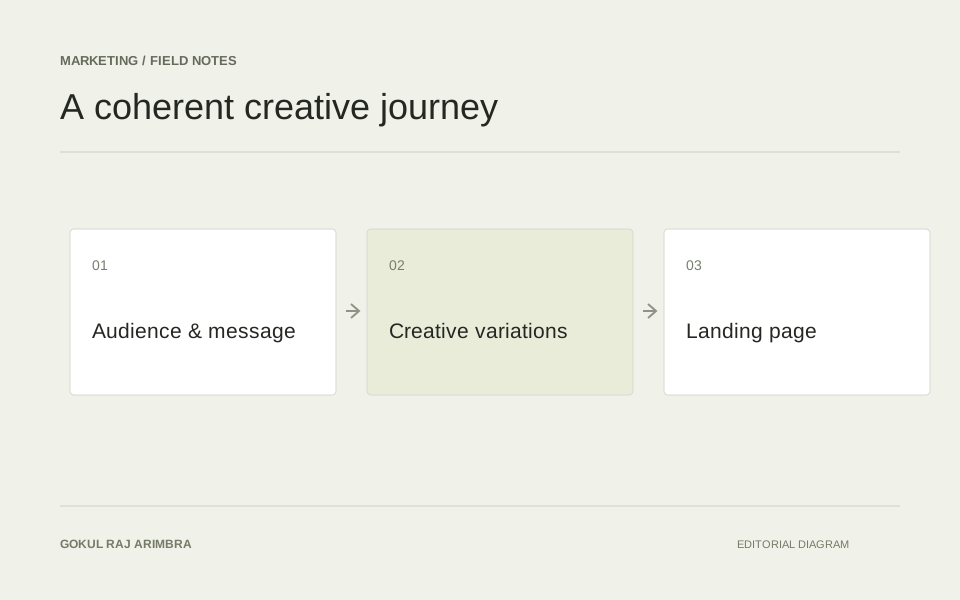
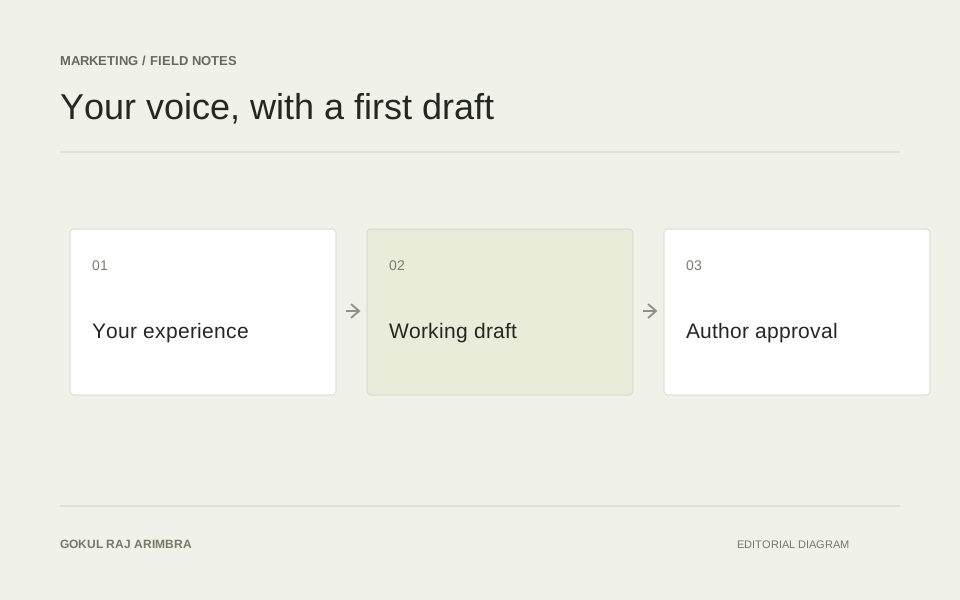
Marketing / Field note
Design a Google Ads review agent around useful questions
Turn a campaign export into a focused review queue, with clear context and evidence before any budget or targeting decision.
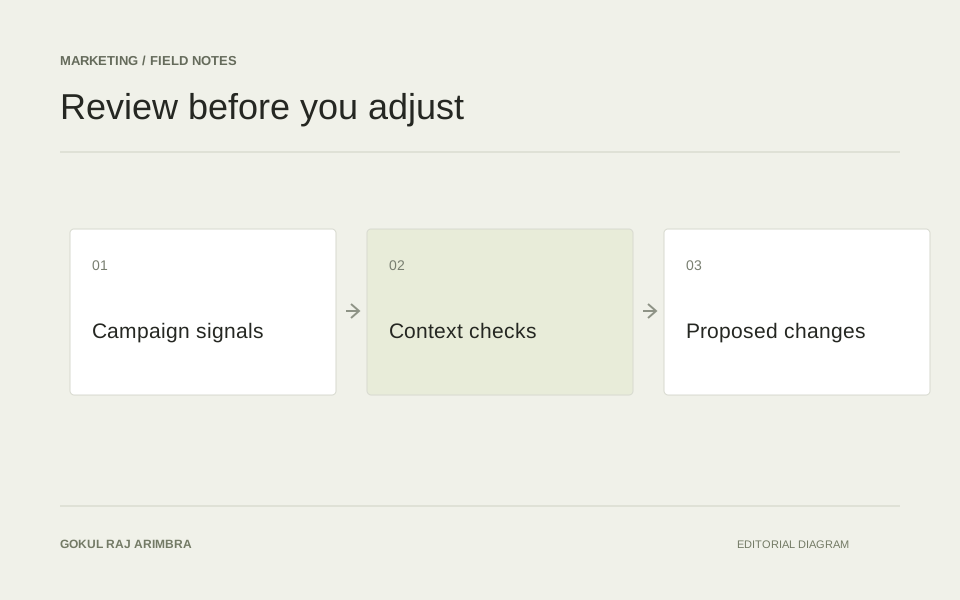
A useful Google Ads review begins with the questions an account owner needs answered. Which search queries deserve attention? Does a landing page match the offer in the advert? Has the reporting period captured enough context to make a sensible comparison?
An agent can help organise that review, but it should not turn a small data extract into confident instructions to change a campaign. The first version is easier to evaluate when its output is a set of inspectable observations and suggested investigations.
Start with a bounded export
Choose one campaign group, a stated date range and the fields needed for a specific review. Include the campaign objective and the meaning of the conversion columns being used. Keep the original export available so any summary can be traced back to its rows.
For search-query analysis, Google explains that the search terms report shows queries that led to ads being shown, and that those terms can differ from the keywords in the account. Preserve that distinction in the review rather than treating a query and a keyword as interchangeable. Google Ads search terms report.
Do not ask the model to infer private business context from campaign names. If a campaign supports a seasonal range, a local service or a particular stock position, supply that context explicitly.
Combine simple checks with language review
Use ordinary calculations for totals, date comparisons and missing fields. An AI layer is more useful for grouping query intent, describing repeated themes and comparing the language of an advert with its destination page.
For a fictional repair campaign, queries about replacement parts may deserve a separate review from queries about booking a repair. The agent can identify the pattern and explain why it may be relevant. Whether to change targeting depends on what the business actually sells and the account owner's wider strategy.
Keep observations grouped by question. A short list of clear query themes is more useful than a long paragraph mixing landing-page issues, spend changes and speculative explanations.
Make each recommendation inspectable
A review item should include the campaign or ad group, the relevant query or asset, the observed pattern and the source rows. Add the suggested next check and any missing context that could change the interpretation.
For example: several queries in this export refer to buying parts; this campaign's supplied landing page describes a repair service; confirm whether parts sales are in scope before considering a targeting change. The proposed work is clear, and the uncertainty is visible.
Avoid ranking every item with a precise impact estimate. If the available evidence does not support a forecast, a priority label with an explanation is more honest and easier to discuss.
Keep campaign changes behind a decision
Let the account owner accept, reject or investigate a proposal. Record that decision with the evidence that was available at the time. If the workflow later supports account changes, make the proposed change explicit before it is applied.
Evaluate the review on whether it finds useful issues and avoids unnecessary work. Use a small set of previously reviewed examples, including cases where the correct decision was to leave the campaign alone. A good agent makes the account easier to understand and the next human decision better informed.